

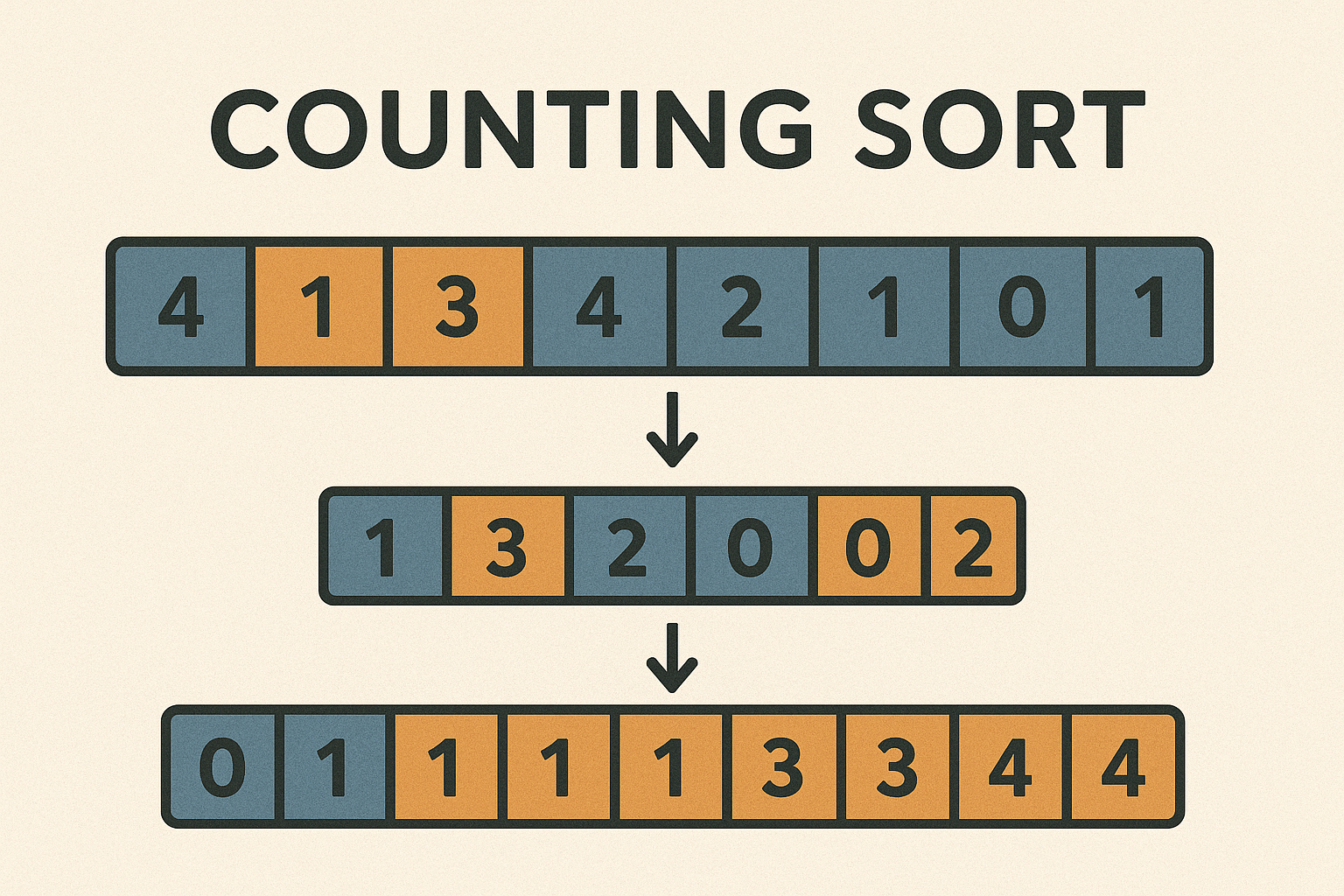
1. What Is Counting Sort?
Counting Sort is a non-comparison sorting algorithm that’s particularly efficient for sorting integers within a known, limited range. Rather than comparing elements, it counts occurrences and then calculates the positions of elements in the sorted array.
Unlike comparison-based algorithms (like QuickSort or Bubble Sort), Counting Sort can achieve linear time complexity under ideal conditions.
2. How Counting Sort Works
The process involves three main steps:
- Count Occurrences
Create a count array that records how many times each value appears in the input. - Cumulative Count (Prefix Sum)
Convert the count array into a cumulative count array — this tells us the final index of each element. - Build Sorted Array
Place each element at its correct index in a new output array, using the cumulative count.
3. Counting Sort Pseudocode
1. Find the max value in the input.
2. Initialize count array of size max+1 to 0.
3. Count each number's occurrence in the count array.
4. Transform count array to prefix sum array.
5. Build the output array:
   - For each input value (in reverse for stability):
     - Decrease count[value] by 1
     - Place value at output[count[value]]
6. Copy output array to original input if needed.
4. Step-by-Step Example
Let’s sort: [4, 2, 2, 8, 3, 3, 1]
Step 1: Count Occurrences
Max = 8 → Initialize count[0..8]
count = [0, 1, 2, 2, 1, 0, 0, 0, 1]
Step 2: Prefix Sum
count = [0, 1, 3, 5, 6, 6, 6, 6, 7]
Step 3: Build Sorted Output
Process original array in reverse for stability:
[1] → count[1]=1 → output[0]=1 → count[1]--
[3] → count[3]=5 → output[4]=3 → count[3]--
[3] → count[3]=4 → output[3]=3 → count[3]--
[8] → count[8]=7 → output[6]=8 → count[8]--
[2] → count[2]=3 → output[2]=2 → count[2]--
[2] → count[2]=2 → output[1]=2 → count[2]--
[4] → count[4]=6 → output[5]=4 → count[4]--

Result:
[1, 2, 2, 3, 3, 4, 8]
5. Time and Space Complexity
| Case | Time Complexity |
|---|---|
| Best Case | O(n + k) |
| Average | O(n + k) |
| Worst Case | O(n + k) |
Where:
n= number of input elementsk= range of input values (max – min)- Space Complexity: O(n + k)
- Stable Sort: Yes
6. Counting Sort in Dart (Flutter-Friendly)
Future<void> countingSort(List<int> array, Function(List<int>) onUpdate) async {
  if (array.isEmpty) return;

  int max = array.reduce((a, b) => a > b ? a : b);
  List<int> count = List.filled(max + 1, 0);

  // Step 1: Count
  for (int num in array) {
    count[num]++;
    await Future.delayed(Duration(milliseconds: 100));
  }

  // Step 2: Prefix sum
  for (int i = 1; i < count.length; i++) {
    count[i] += count[i - 1];
  }

  // Step 3: Output
  List<int> output = List.filled(array.length, 0);
  for (int i = array.length - 1; i >= 0; i--) {
    int num = array[i];
    count[num]--;
    output[count[num]] = num;
    onUpdate(List.from(output));
    await Future.delayed(Duration(milliseconds: 300));
  }

  array.setAll(0, output);
}
7. Visualization with Flutter + CustomPaint
To animate Counting Sort in Flutter:
- Represent bars as vertical lines.
- Highlight current
numbeing counted (yellow). - Show updates in count array visually (with text or small bar chart).
- During placement, animate element to its final index (green).
Use onUpdate() to trigger repaint at each significant step: counting, prefix summing, and output placement.
8. When Should You Use Counting Sort?
Use Counting Sort when:
- The values are integers and lie within a small range (e.g., 0–1000).
- You want linear time sorting.
- You need a stable sort.
- Space isn’t a major concern.
Avoid Counting Sort when:
- Input range is huge (like sorting ages from 0–1,000,000).
- You have non-integer or complex objects (use Radix/Bucket instead).
9. Summary
Counting Sort bypasses comparisons entirely — instead, it uses counts and indexes to sort quickly and accurately. It’s a perfect fit for fixed-range integer sorting and can outperform many algorithms when the data is appropriate.
Next up: Bucket Sort’s cousin — Radix Sort — which extends this counting idea to digits of larger numbers!

