

1. Why Learn Data Structures?
Every program manipulates data — whether it’s a to-do list app storing tasks, a music app keeping track of playlists, or a social media platform organizing millions of users.
But how we organize data directly affects:
- Performance → How fast can we search, insert, or delete data?
- Memory usage → Can we store efficiently without wasting resources?
- Scalability → Will the app still work smoothly with millions of users?
That’s why data structures are the backbone of computer science and programming.
2. What is a Data Structure?
A data structure is a way of organizing and storing data so that operations can be performed efficiently.
Think of it like different containers in real life:
- A stack of plates → access the top plate first (Stack)
- A queue at Starbucks → first person in is served first (Queue)
- A dictionary → find a word’s meaning quickly using a key (Hash Table)
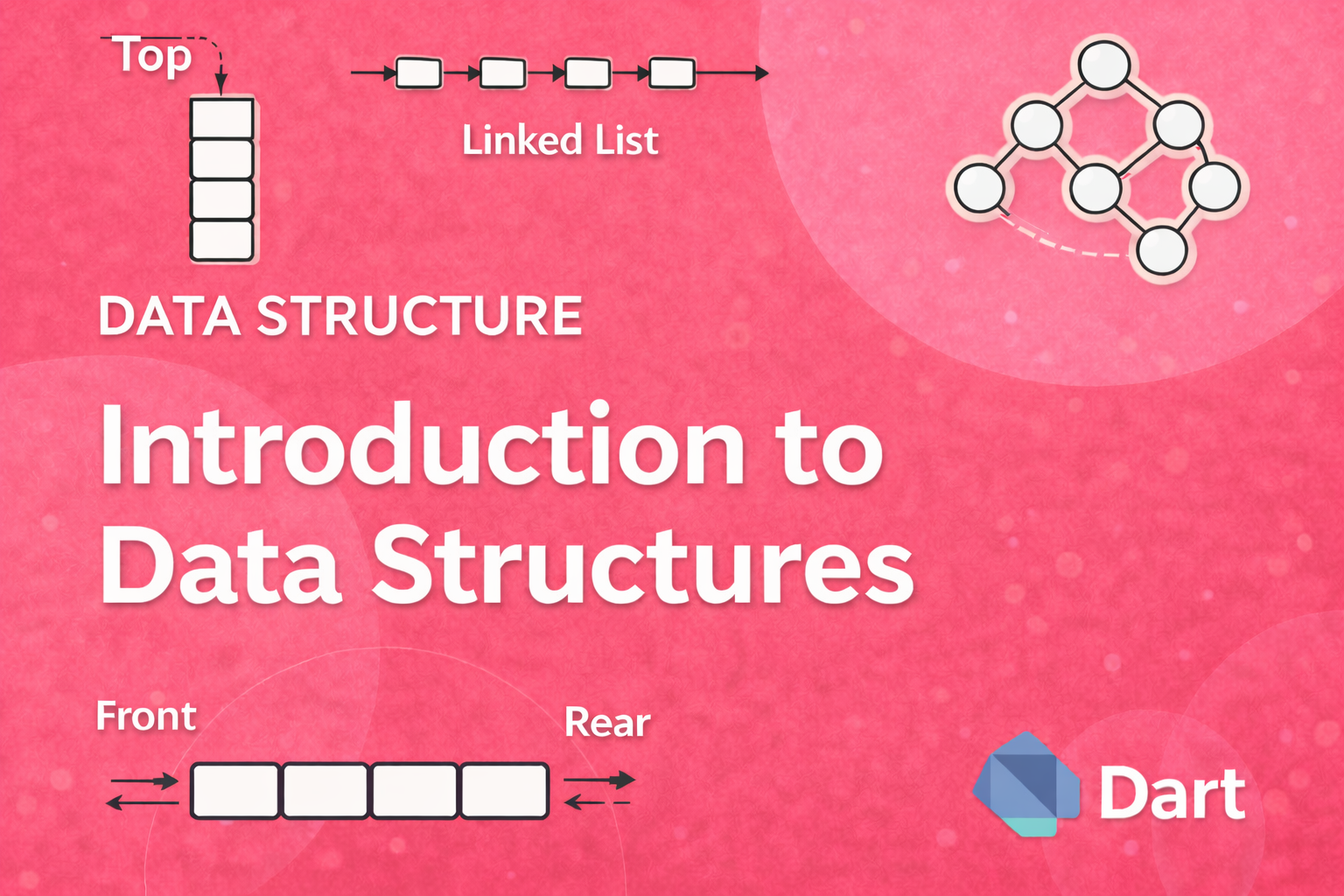
In programming, common data structures include:
- Arrays, Linked Lists
- Stacks, Queues
- Hash Tables
- Trees, Graphs
3. Abstract Data Types (ADT) vs. Data Structures
- Abstract Data Type (ADT) → A logical description of how data is viewed and what operations are supported. (e.g., Stack supports
push,pop,peek) - Data Structure → A concrete implementation of an ADT. (e.g., implementing a Stack using an array or linked list in Dart).
4. Algorithm Complexity & Big-O Notation
Before diving deeper, we need to measure how efficient a data structure or algorithm is.
Time Complexity
- Measures how execution time grows with input size.
- Expressed with Big-O notation.
Common complexities:
- O(1) → Constant time (fastest, e.g., access an array element)
- O(log n) → Logarithmic (e.g., binary search)
- O(n) → Linear (e.g., traversing an array)
- O(n log n) → Log-linear (e.g., merge sort, quicksort average case)
- O(n²) → Quadratic (nested loops, e.g., bubble sort)
Example in Dart
// O(1) - Accessing an element in a list
void constantTimeExample() {
  List<int> numbers = [10, 20, 30, 40];
  print(numbers[2]); // Always takes the same time
}

// O(n) - Traversing a list
void linearTimeExample() {
  List<int> numbers = [10, 20, 30, 40];
  for (var num in numbers) {
    print(num);
  }
}

// O(n^2) - Nested loops
void quadraticTimeExample() {
  List<int> numbers = [1, 2, 3];
  for (var i in numbers) {
    for (var j in numbers) {
      print("$i, $j");
    }
  }
}
5. Arrays in Dart (First Data Structure)
An array (or List in Dart) is a collection of items stored at contiguous memory locations.
Key Operations:
- Access element by index →
O(1) - Insert/delete at end →
O(1)average - Insert/delete at middle →
O(n)
Example in Dart
void arrayExample() {
  // Dart List = dynamic array
  List<String> fruits = ["Apple", "Banana", "Mango"];

  // Access (O(1))
  print(fruits[1]); // Banana

  // Insert (O(1) at end)
  fruits.add("Orange");

  // Insert (O(n) at specific index)
  fruits.insert(1, "Grapes");

  // Delete (O(n))
  fruits.removeAt(2);

  print(fruits);
}
Output:
Banana
[Apple, Grapes, Mango, Orange]
6. Strings as Data Structures
Strings are essentially arrays of characters.
In Dart, a String is immutable (cannot be changed after creation).
Example: Reverse a String
String reverseString(String input) {
  return input.split('').reversed.join();
}

void main() {
  print(reverseString("Flutter")); // rettulF
}
7. Real-World Example in Flutter
Let’s say you’re building a Todo App in Flutter. You need to store and display tasks.
Example: Managing tasks with a List
class TaskManager {
  List<String> tasks = [];

  void addTask(String task) {
    tasks.add(task); // O(1)
  }

  void removeTask(int index) {
    if (index < tasks.length) {
      tasks.removeAt(index); // O(n)
    }
  }

  void showTasks() {
    for (var task in tasks) {
      print(task); // O(n)
    }
  }
}

void main() {
  var manager = TaskManager();
  manager.addTask("Learn Data Structures");
  manager.addTask("Build Flutter App");
  manager.showTasks();
  manager.removeTask(0);
  manager.showTasks();
}
Output:
Learn Data Structures
Build Flutter App
Build Flutter App
This simple example shows how lists (arrays) are the foundation of real-world Flutter apps.
8. Summary of Module 1
- Data structures are ways of organizing data for efficiency.
- ADTs describe the behavior, while data structures are implementations.
- Complexity analysis (Big-O) helps us compare efficiency.
- Arrays (
Listin Dart) and Strings are the simplest structures. - Flutter apps use these basic structures everywhere (lists of tasks, users, products, etc.).
Coming Next (Module 2 Preview)
In Module 2, we’ll dive into Linked Lists:
- Singly, Doubly, Circular Linked Lists
- Real-world use cases (music playlists, undo/redo functionality)
- Implementation in Dart

