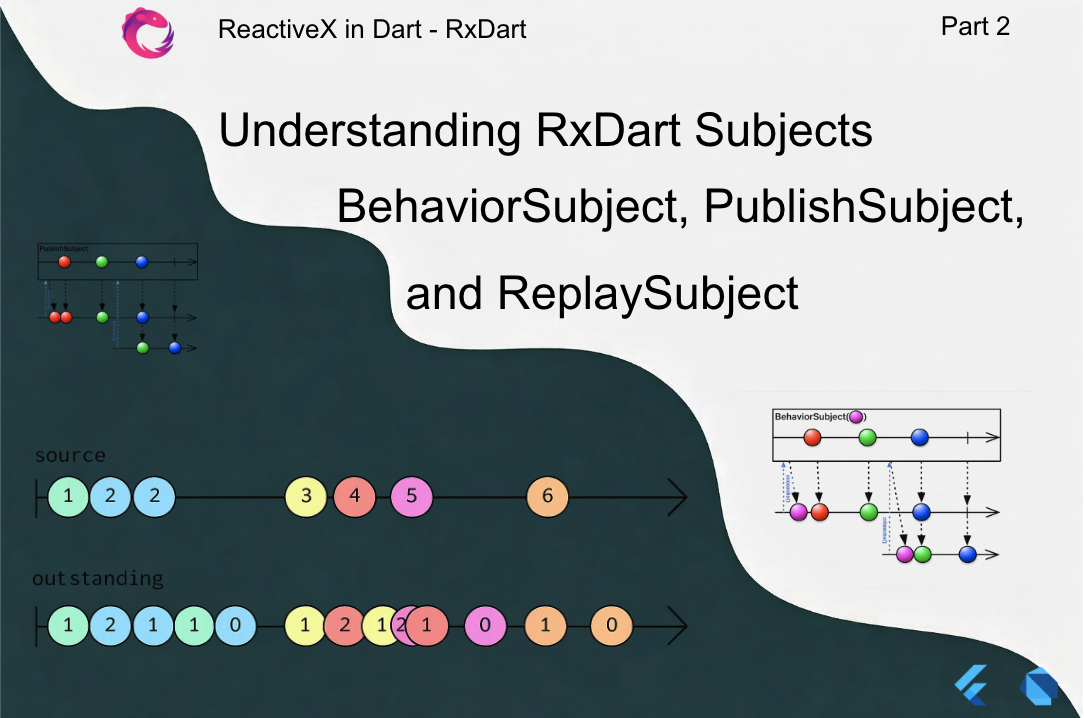
In the previous article, we explored Dart Streams, the core asynchronous primitive that powers reactive programming in Flutter.
We covered:
- Stream fundamentals
- StreamController
- Stream transformations
- lifecycle management
- limitations of native streams
However, native Dart Streams alone are not sufficient for building reactive application architectures.
To build scalable reactive systems, we need a mechanism that allows us to:
- both listen to a stream and push events into it
- share values between multiple subscribers
- cache the latest values
- replay historical events
This is where Subjects from RxDart come into play.
Subjects are one of the most powerful — and most misused — tools in RxDart. Used correctly, they enable elegant reactive architectures. Used incorrectly, they lead to memory leaks, spaghetti streams, and hard-to-debug logic.
This article explains Subjects in depth and shows how to use them correctly in production Flutter applications.
1. What Is a Subject?
In pure Dart Streams, there is a clear separation:
Producer → Stream → Listener
But sometimes we need an object that acts as both a producer and a consumer.
A Subject is exactly that.
A Subject is:
Stream + Sink
Meaning it can:
emit events
listen to events
Conceptually:
UI → Subject → BLoC → Subject → UI
Subjects allow us to build bidirectional reactive pipelines.
2. Why Subjects Exist
Imagine implementing a simple counter state.
Without Subjects:
final controller = StreamController<int>();
Stream<int> get counterStream => controller.stream;
void increment(int value) {
  controller.add(value);
}
This works but has limitations:
- It does not store the last value
- New listeners get no previous state
- Managing state becomes cumbersome
For example:
Listener A subscribes → receives events
Listener B subscribes later → receives nothing
In UI frameworks like Flutter, this is problematic because widgets can subscribe at different times.
Subjects solve this by providing different event retention strategies.
3. Types of Subjects in RxDart
RxDart provides three main subject types.
| Subject | Behavior |
|---|---|
| PublishSubject | emits only new events |
| BehaviorSubject | emits latest value |
| ReplaySubject | emits entire history |
These subjects implement both:
Stream
Sink
Meaning they allow both subscription and emission.
4. PublishSubject
Concept
A PublishSubject emits only new events to subscribers.
It does not store any past values.
Example timeline:
subject.add(1)
subject.add(2)
listener subscribes
subject.add(3)
subject.add(4)
Listener receives:
3
4
Example
import 'package:rxdart/rxdart.dart';
final subject = PublishSubject<int>();
subject.add(1);
subject.add(2);
subject.listen(print);
subject.add(3);
subject.add(4);
Output:
3
4
When to Use PublishSubject
Use it when you need pure event streams.
Examples:
button clicks
navigation events
toast messages
analytics events
Example:
final buttonClicks = PublishSubject<void>();
Flutter Example
class ButtonBloc {

  final _clickSubject = PublishSubject<void>();

  Sink<void> get click => _clickSubject.sink;

  Stream<void> get clicks => _clickSubject.stream;

  void dispose() {
    _clickSubject.close();
  }
}
5. BehaviorSubject
Concept
A BehaviorSubject stores the latest emitted value and immediately sends it to new subscribers.
Timeline:
subject.add(1)
subject.add(2)
listener subscribes
Listener receives:
2
It always emits the most recent value.
Example
final subject = BehaviorSubject<int>();
subject.add(1);
subject.add(2);
subject.listen(print);
Output:
2
Initial Value
BehaviorSubject can start with an initial state.
final subject = BehaviorSubject.seeded(0);
Now the stream always has a valid state.
Example:
subject.listen(print);
Output:
0
Flutter Counter Example
class CounterBloc {

  final _counter = BehaviorSubject<int>.seeded(0);

  Stream<int> get counter => _counter.stream;

  void increment() {
    final value = _counter.value;
    _counter.add(value + 1);
  }

  void dispose() {
    _counter.close();
  }
}
This is ideal for UI state management.
BehaviorSubject Internals
BehaviorSubject keeps:
latestValue
listeners
stream pipeline
Every new listener receives:
latestValue → future updates
This is why BehaviorSubject is commonly used in BLoC architectures.
6. ReplaySubject
ReplaySubject stores all past events and replays them to new listeners.
Timeline:
subject.add(1)
subject.add(2)
subject.add(3)
listener subscribes
Listener receives:
1
2
3
Example
final subject = ReplaySubject<int>();
subject.add(1);
subject.add(2);
subject.add(3);
subject.listen(print);
Output:
1
2
3
Limiting Replay Size
ReplaySubject can grow dangerously large in memory.
Instead:
final subject = ReplaySubject<int>(maxSize: 3);
Now it stores only the latest 3 events.
Use Cases
ReplaySubject is useful for:
chat history
event logging
analytics buffering
debug streams
But it should rarely be used for UI state.
7. Comparing Subject Types
| Feature | PublishSubject | BehaviorSubject | ReplaySubject |
|---|---|---|---|
| Stores events | ❌ | latest | all |
| Emits latest on subscribe | ❌ | ✅ | ✅ |
| Memory usage | low | low | high |
| UI state | ❌ | ✅ | rarely |
Recommended usage:
PublishSubject → UI events
BehaviorSubject → UI state
ReplaySubject → debugging/history
8. Practical Flutter Example: Form Validation
Let’s build a reactive login form.
Inputs:
password
Requirements:
validate input
enable login button
Step 1: Create Subjects
final _email = BehaviorSubject<String>();
final _password = BehaviorSubject<String>();
Step 2: Validation Streams
Stream<bool> get isEmailValid =>
    _email.stream.map((email) => email.contains("@"));
Stream<bool> get isPasswordValid =>
    _password.stream.map((pass) => pass.length >= 6);
Step 3: Combine Streams
Stream<bool> get isFormValid =>
    Rx.combineLatest2(
      isEmailValid,
      isPasswordValid,
      (e, p) => e && p,
    );
Step 4: UI Binding
StreamBuilder<bool>(
  stream: bloc.isFormValid,
  builder: (context, snapshot) {
    return ElevatedButton(
      onPressed: snapshot.data == true ? login : null,
      child: Text("Login"),
    );
  },
);
This is reactive UI state management.
9. Advanced Pattern: Search with BehaviorSubject
Search requires:
debounce typing
cancel old requests
show results
Example BLoC:
class SearchBloc {

  final _query = BehaviorSubject<String>();

  Sink<String> get query => _query.sink;

  late final Stream<List<Result>> results =
      _query
          .debounceTime(Duration(milliseconds: 300))
          .switchMap(repository.search);

  void dispose() {
    _query.close();
  }
}
This solves:
excessive API calls
race conditions
UI updates
10. Avoiding Common Subject Mistakes
Subjects are powerful but easy to misuse.
Mistake 1 — Exposing Subjects directly
Bad:
BehaviorSubject<int> counter;
Better:
Stream<int> get counter => _counter.stream;
Sink<int> get counterInput => _counter.sink;
Encapsulation protects state.
Mistake 2 — Forgetting dispose()
Always close subjects.
void dispose() {
  _subject.close();
}
Otherwise:
memory leaks
unreleased listeners
Mistake 3 — Using Subject everywhere
Subjects should be entry points of streams, not the entire architecture.
Good architecture:
UI → Subject → Operators → Stream
Bad architecture:
Subject → Subject → Subject → Subject
11. Subject Lifecycle
Subjects follow this lifecycle.
create
emit events
listen
complete
close
Example:
final subject = BehaviorSubject<int>();subject.add(1);subject.close();
After closing, no more events are allowed.
12. Performance Considerations
PublishSubject
Fastest and lowest memory usage.
BehaviorSubject
Stores one value.
Memory impact minimal.
ReplaySubject
Potentially dangerous if unbounded.
Always limit:
maxSize
maxAge
13. Production Architecture Pattern
Recommended structure:
UI
↓
Sink
↓
BLoC
↓
Operators
↓
Stream
↓
UI
Subjects are only used for input streams.
Example:
final _searchQuery = BehaviorSubject<String>();
Everything else should use pure stream transformations.
14. Key Takeaways
Subjects are powerful reactive primitives in RxDart.
They allow streams to act as both:
event emitter
event listener
We explored:
- PublishSubject
- BehaviorSubject
- ReplaySubject
- real Flutter examples
- production patterns
- performance considerations
Among these:
BehaviorSubject is the most commonly used in Flutter state management.
However, subjects must be used carefully and sparingly to avoid architecture complexity.