1. What Is Heap Sort?
Heap Sort is a comparison-based sorting algorithm that uses a binary heap data structure to sort elements. It’s famous for its consistent O(n log n) performance, in-place operation, and not requiring additional memory — though it’s not stable.
It’s a great choice when memory efficiency is key and you don’t need to preserve the relative order of equal elements.
2. How Heap Sort Works
Heap Sort has two main steps:
- Build a max-heap from the input array.
- Extract the largest element (at the root) and move it to the end of the array. Reduce the heap size and re-heapify.
- Repeat until the heap is empty.
A max-heap ensures that the largest element is always at the root.
Heap Properties:
- A binary heap is a complete binary tree.
- For a max-heap, each parent node is greater than or equal to its children.
- Efficiently implemented using an array with index math:
- Parent of
i→(i - 1) / 2 - Left child of
i→2i + 1 - Right child of
i→2i + 2
- Parent of
3. Heap Sort Pseudocode
heapSort(array):
    n = length(array)

    // Step 1: Build max heap
    for i from n/2 - 1 to 0:
        heapify(array, n, i)

    // Step 2: Extract elements
    for i from n - 1 to 1:
        swap(array[0], array[i])
        heapify(array, i, 0)
heapify ensures the subtree rooted at index i satisfies the heap property.
4. Step-by-Step Example
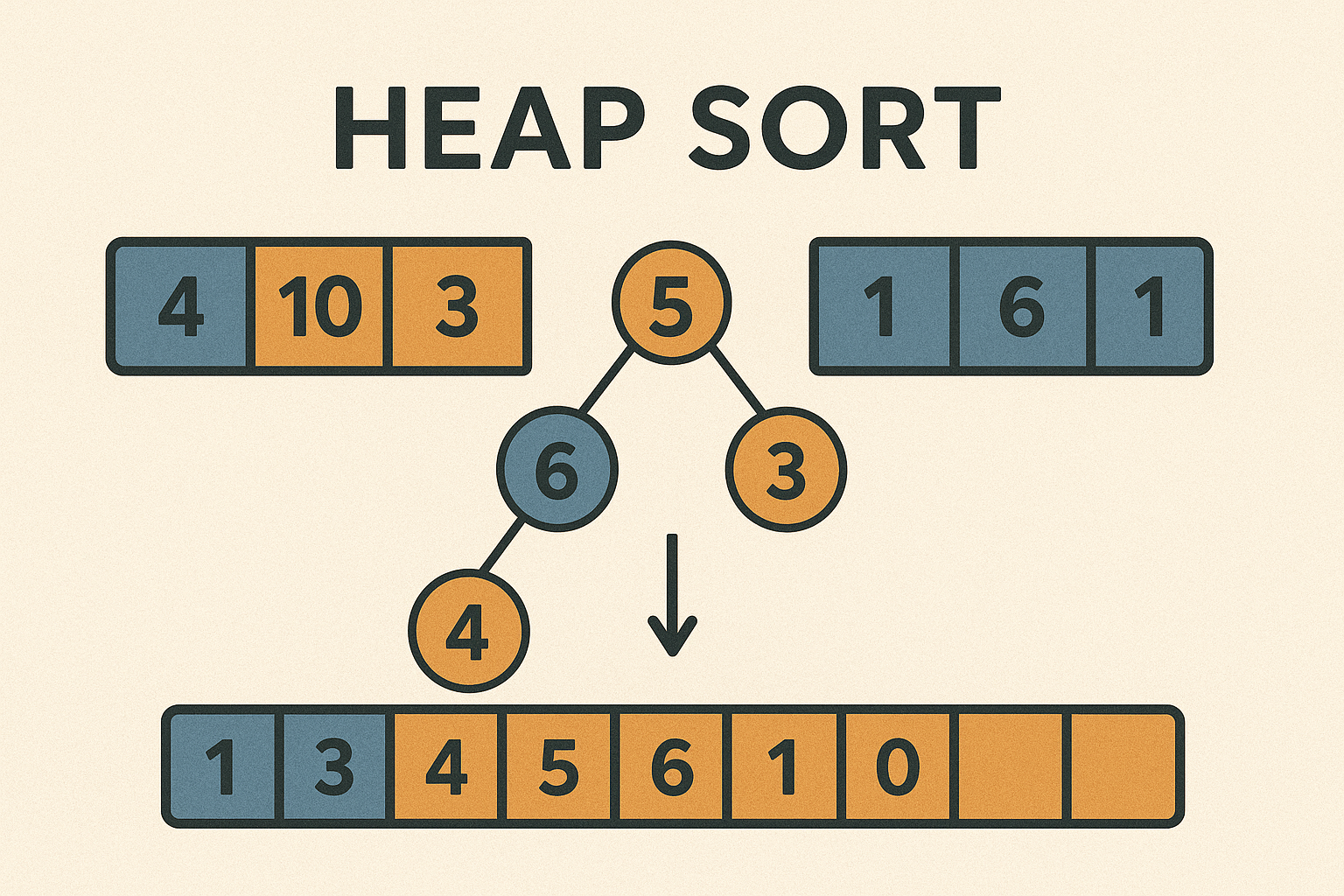
Sorting: [4, 10, 3, 5, 1]
Step 1: Build Max Heap
Transform into a max-heap:
→ [10, 5, 3, 4, 1]
Step 2: Extract Max & Heapify
- Swap 10 and 1 →
[1, 5, 3, 4, 10] - Heapify →
[5, 4, 3, 1, 10] - Swap 5 and 1 →
[1, 4, 3, 5, 10] - Heapify →
[4, 1, 3, 5, 10]
…and so on.
Final sorted array: [1, 3, 4, 5, 10]
5. Time and Space Complexity
| Case | Time Complexity |
|---|---|
| Best | O(n log n) |
| Average | O(n log n) |
| Worst | O(n log n) |
- Space Complexity: O(1) (in-place)
- Stable Sort: No
6. Heap Sort in Dart (Flutter-Friendly)
Future<void> heapSort(List<int> array, Function(List<int>) onUpdate) async {
  int n = array.length;

  // Step 1: Build max heap
  for (int i = n ~/ 2 - 1; i >= 0; i--) {
    await _heapify(array, n, i, onUpdate);
  }

  // Step 2: Extract elements one by one
  for (int i = n - 1; i > 0; i--) {
    _swap(array, 0, i);
    onUpdate(List.from(array));
    await Future.delayed(Duration(milliseconds: 300));
    await _heapify(array, i, 0, onUpdate);
  }
}

Future<void> _heapify(List<int> array, int n, int i, Function(List<int>) onUpdate) async {
  int largest = i;
  int left = 2 * i + 1;
  int right = 2 * i + 2;

  if (left < n && array[left] > array[largest]) largest = left;
  if (right < n && array[right] > array[largest]) largest = right;

  if (largest != i) {
    _swap(array, i, largest);
    onUpdate(List.from(array));
    await Future.delayed(Duration(milliseconds: 300));
    await _heapify(array, n, largest, onUpdate);
  }
}

void _swap(List<int> array, int i, int j) {
  int temp = array[i];
  array[i] = array[j];
  array[j] = temp;
}
7. Visualization with Flutter + CustomPaint
- Represent the heap as a tree-like structure or bar chart.
- During
heapify, highlight the current root and its children. - Animate swaps and show heap shrinking as elements are sorted out.
- Useful cues:
- Highlight root swaps in red.
- Shrink the heap by fading out sorted elements.
8. When Should You Use Heap Sort?
Use Heap Sort when:
- You need guaranteed O(n log n) time.
- In-place sorting is essential.
- Stability isn’t a requirement.
- You want performance without extra memory.
9. Summary
Heap Sort is a structured and efficient algorithm that delivers strong performance with minimal memory. While not stable, its deterministic time, no extra space, and robust performance make it a powerful option in the right context.